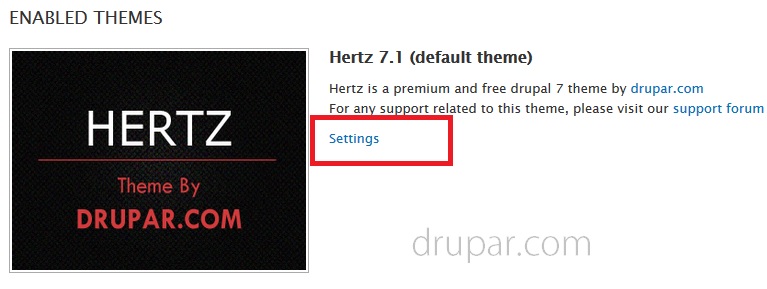


Instillation of Hertz theme is very easy. Its the same method that you follow for installation of other Drupal themes.
Step 1: Download the theme
Download the latest version of Hertz theme from project page.
https://drupal.org/project/Hertz
The download file will be a compressed .zip or .tar.gz file
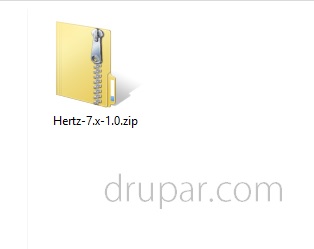
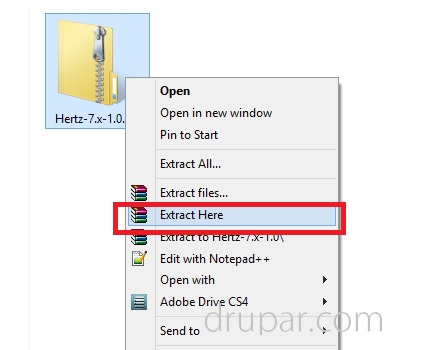
Step 2: Extract the files
Right click the zip file and select Extract here.
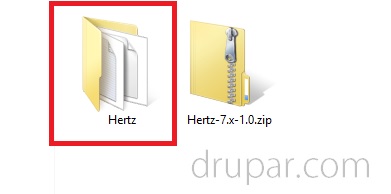
After extracting the zip file you will get a folder named Hertz
Step 3: Upload the theme folder
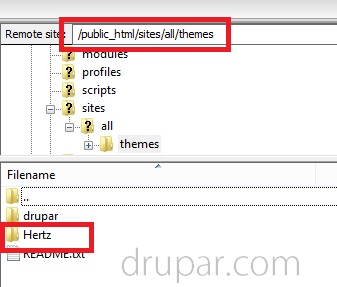
Upload this Hertz folder to sites/all/themes directory.
Step 4: Enable the theme
Now go to administer > site building > themes
/admin/appearance
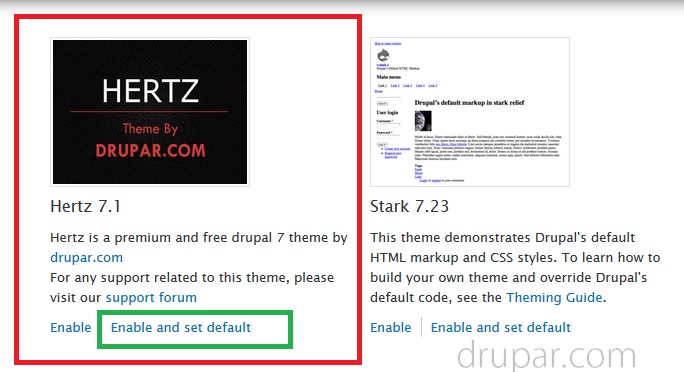
Click Enable and set default link below the theme.
Step 5: Perform basic theme settings
After you have enabled the Hertz theme, perform few basic settings from admin/appearance/settings/hertz or by clicking Settings link.